
Turn a web page into an article worth reading
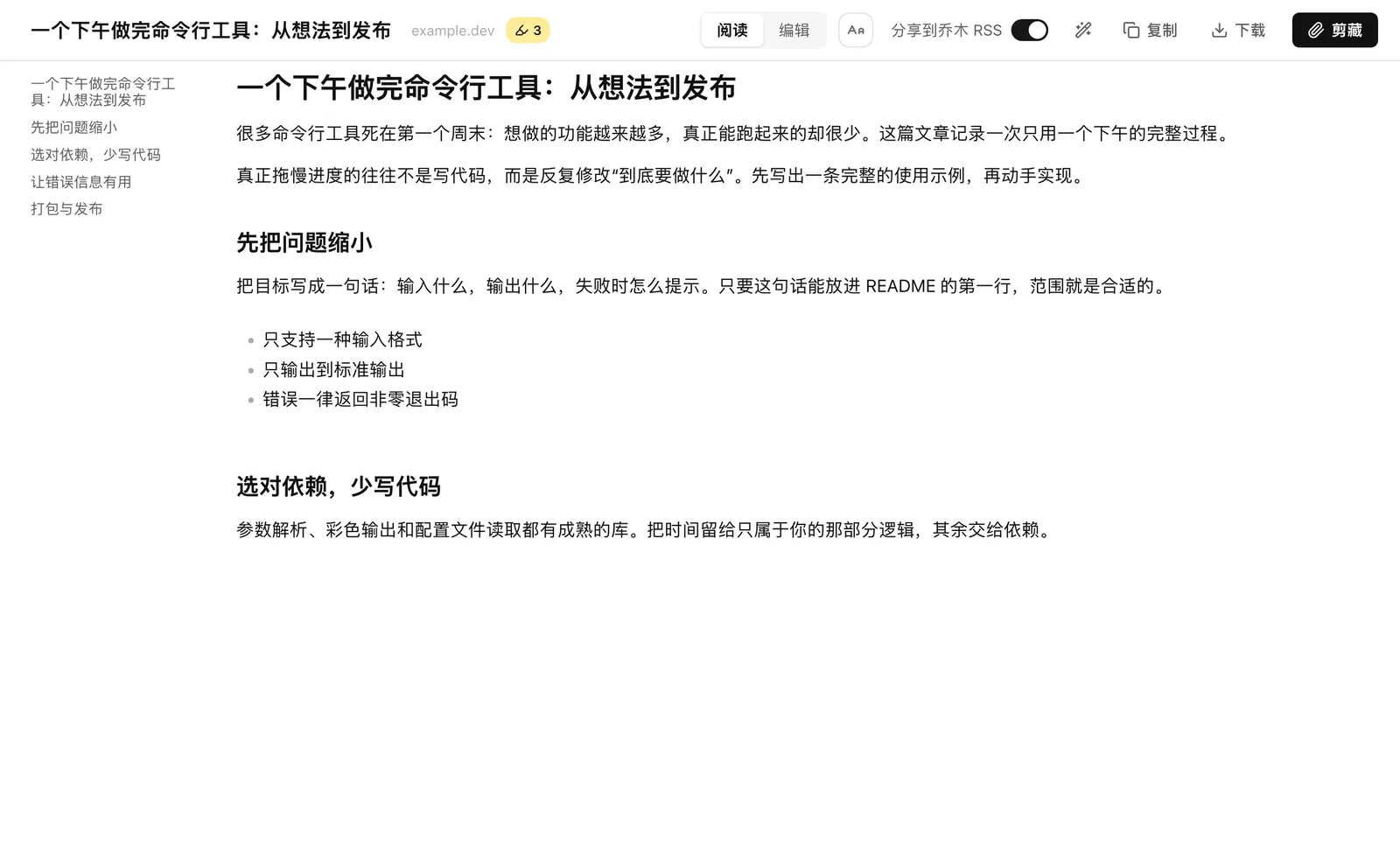
Extract the text, tune the type and spacing, highlight what matters. Ask AI about a passage or the whole piece.
aaapress three times
Articles, videos and podcasts. Read, ask and note as you go, and the notes land in Obsidian.
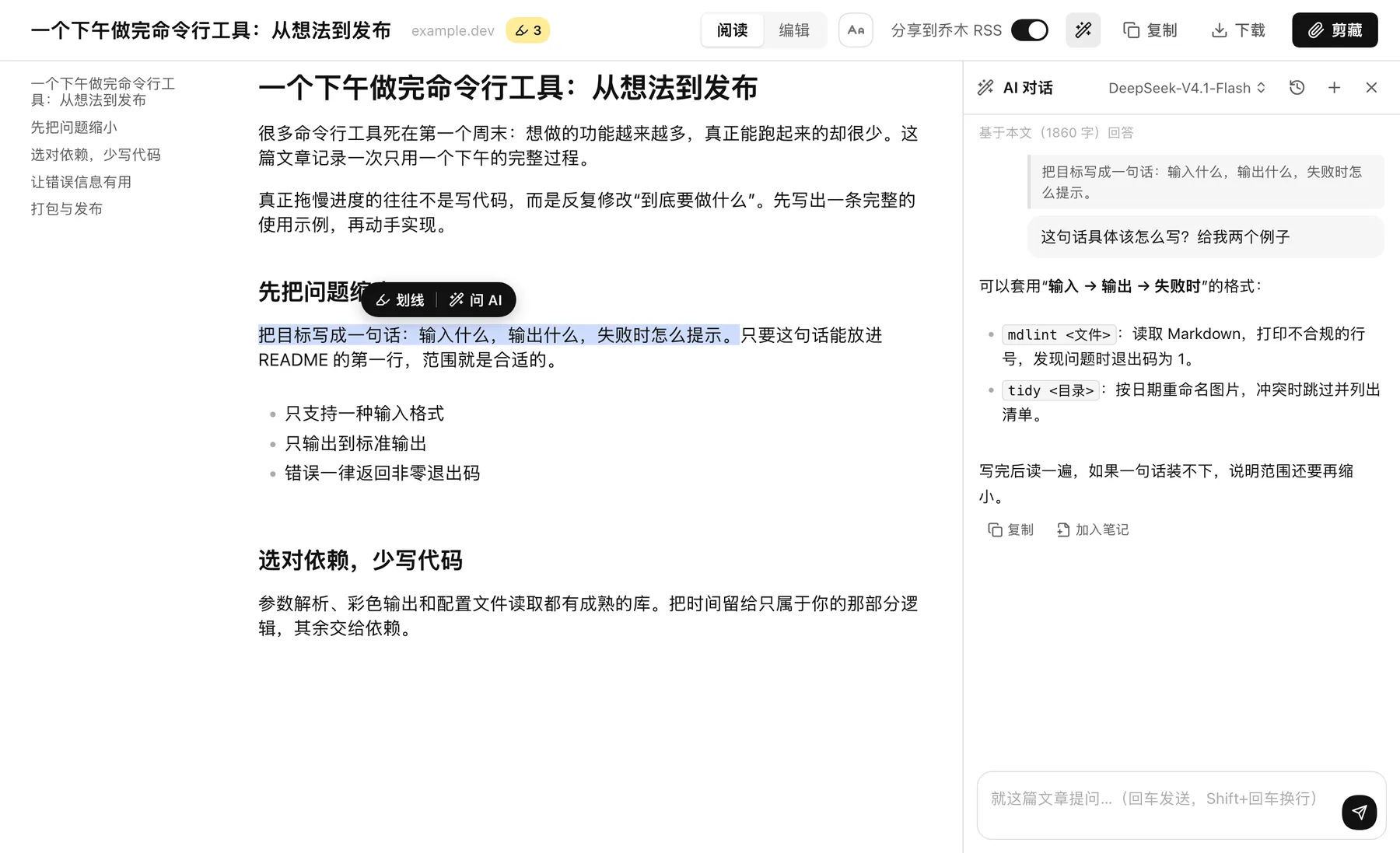
Extract the text, tune the type and spacing, highlight what matters. Ask AI about a passage or the whole piece.
aaapress three times
Player and transcript on one screen. Search captions, click a timestamp to return to the line, translate into bilingual text.
aaaon a video page
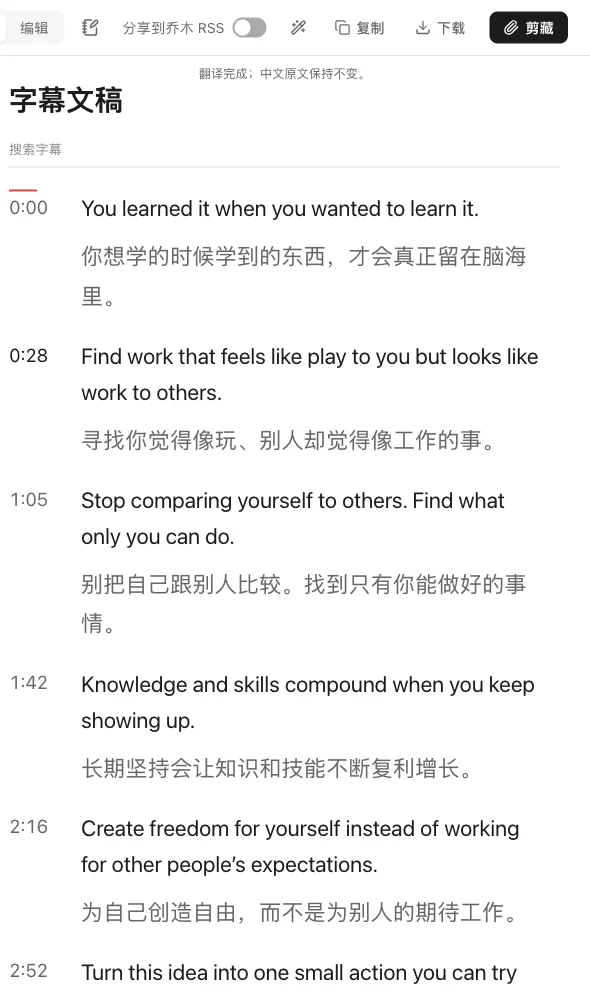
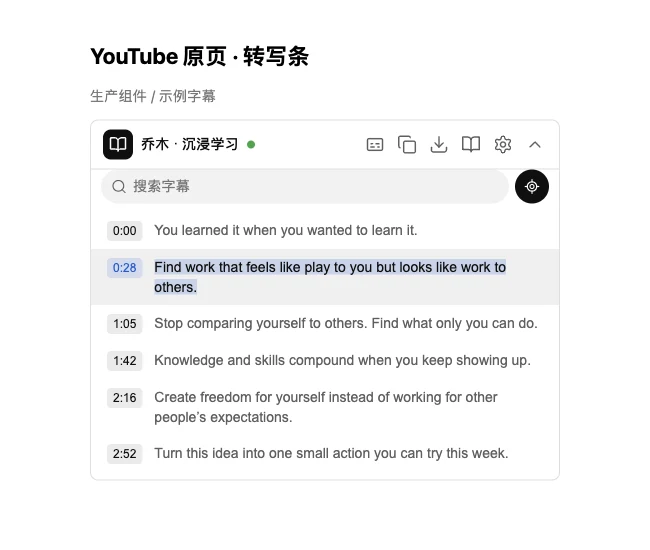
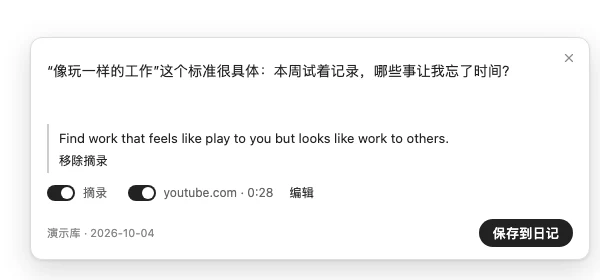
Attach the excerpt, the source and the video time, and append it to today's Obsidian daily note. Closing the card keeps your draft.
Nor iii on any page
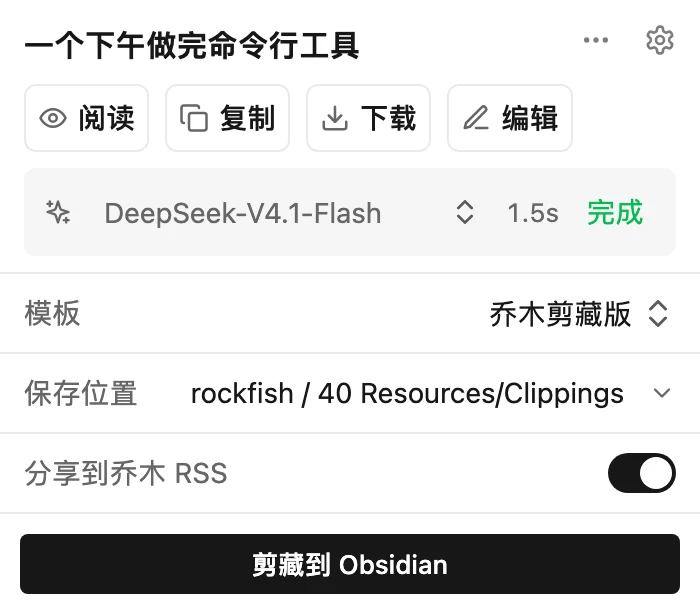
Templates match by URL and write into the vault and folder you choose. Sharing to Qiaomu RSS is off by default.
qqqclip with the default template
With no official captions, use a local engine or a cloud service you choose. Translate with your own model.
Web search with sources, photo search and background image generation, with your page selection as context.
A WYSIWYG editor whose AI assistant sees the whole article and your selection. Create an article draft in X.
Excerpt, source and time, appended to today's note. Never submitted to RSS.
Download whole files from supported study pages, with progress and a cancel button.
Simplified and Traditional Chinese, English, Japanese, Korean, Spanish, French, German and Brazilian Portuguese.
Saved to the Obsidian vault and folder you choose. Take them anywhere.
No bundled model and no middleman for your key. The provider you pick bills you.
The code is on GitHub, based on Obsidian Web Clipper. Issues welcome.
Questions, translation and cloud recognition send the content they need to the provider you pick. RSS sharing is off by default; chats, drafts and recognition caches stay on your machine. Privacy policy
Updates itself and asks for permissions only when needed. Pick this unless you have a reason not to.
Newer features sooner, and the only edition that can download YouTube files. Updates by hand.
Optional. Needed for silent vault writes, daily-note appends and caption generation. The macOS installer bundles Python.
Paste this into Codex, Claude Code or another agent with terminal access. It will guide you through the steps that need you.
Install or upgrade Qiaomu Clipper: https://github.com/joeseesun/qiaomu-clipper . Read README.md, docs/INSTALL-FOR-AGENTS.md and native/README.md first, tell me whether the store edition or the standalone edition fits me and what differs, then follow the instructions for my OS and browser.
Download the latest stable release's -chrome-local.zip, extract it and guide me to load the extension. Install the matching helper too: on macOS download qiaomu-clipper-helper.pkg and guide me through installation; on other systems follow the repository docs. Back up and preserve existing data before upgrading. Verify the extension/helper connection and help me select my Obsidian vault.
Install the store edition unless you have a reason not to: it updates itself and asks for permissions only when needed. Choose the GitHub chrome-local.zip if you want a build newer than the store has, or want to download YouTube video and audio files (manual updates, and YouTube downloads also need the local helper). Both editions use the same extension ID.
Not to read, edit, copy text, download Markdown or study captions. To save notes into a vault, install Obsidian and create or open a vault first. Without the helper, saving goes through an Obsidian URI; with the helper it writes silently.
Qiaomu Clipper does not provide models. Questions, translation and cloud recognition use your own provider account or API key, and that provider bills you. Reading, copying text and existing captions need no AI setup.
AI questions, caption translation and template interpretation send the content they need to the provider you select. Cloud speech recognition uploads audio; local recognition does not. Chat history, drafts and recognition caches stay on your machine, and some settings, templates or credentials may sync through your browser. Sharing to Qiaomu RSS is off by default. The privacy policy has the full picture. Privacy policy
The store edition does not download YouTube video or audio files and blocks files from YouTube media domains. Captions, copying or exporting the transcript and study mode all work. To download files, use the standalone edition with the local helper.